Nothing says “wipe-out” like a cheap little Holy Bible eraser.
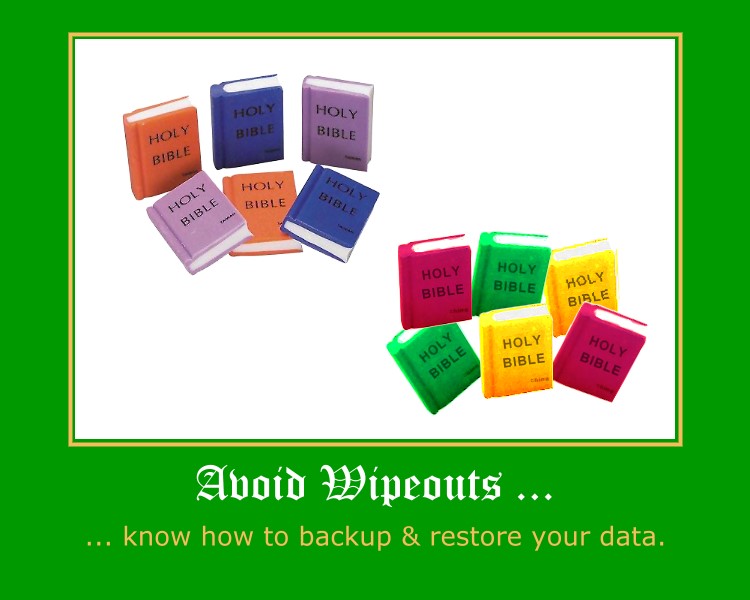
And while the product parodied above is applied a slightly different meaning of “fail” the point is hardware failures, power outages, software bugs, stolen computers, cross site scripted SQL injections, and/or zombie induced denial of service attacks can all turn your church and/or charity website into a tub of techno-mush quicker than you can recurse a binary tree.
The only real defense against such failures is to plan for them – anticipating them in three ways:
- backing up your data
- moving your backed-up data off site
- having and practicing how to restore backed-up data
Here’s a very simple snippet from an oldie but goldie article entitled “How to backup your MySQL tables and data every night using a bash script and cron:“
#!/bin/sh
# backup data
mysqldump -uroot -ppwd --opt db1 > /sqldata/db1.sql
mysqldump -uroot -ppwd --opt db2 > /sqldata/db2.sql
# zip up data
cd /sqldata/
tar -zcvf sqldata.tgz *.sql
# email data off-site
cd /scripts/
perl emailsql.cgi
The article also displays a script on how to email the data off site, not a bad deal if your data is small – such backups being just as simple to restore with this dynamic command line duo of directives:
tar -zxvf sqldata.tgz
mysql -uroot -ppwd db1 < db1.sql
Things get trickier when you have tons of data, in which it may play into one’s restoration plan better to backup and restore a database by individual tables. Here is a set of articles that describes how to do this that includes some script examples you can modify to suite your needs:
- MySQL: How do I dump all tables in a database into separate files?
- MySQL: How do I import individual table dump files in to MySQL using shell script?
Either way, then it is just a manner of putting the shell script on a timer, or in the vernacular of crontab:
1 3 * * * /usr/home/mysite.com/prvt/tbak.sh > /usr/home/logs/tbak.log
If either of these shell script, bash-based approach seems to complex then perhaps one of the control panel, web-based method offered by UpStartBlogger’s post “8 MySQL Backup Strategies for WordPress Bloggers (And Others)” will do the trick.
Here are some other related articles that might help, the last two include automagic date stamping of the backup files:
- MDLog:/sysadmin – Backup your MySQL databases automatically with AutoMySQLBackup
- Automatic MySql Backup Script – Dagon Design
- Justin-Cook – Automatic cPanel backup (domain & MySQL) with cron & PHP
- Simple MySQL Backup – Holy Smoly
- DreamHost Forum – Crontab/backup
The bottom line is this: just Peter implores us to make a ready defense in 1 Peter 3:15, so I’m asking you always be ready to make a defense to anything that endangers the data that is on your system so you’re not found tearfully dissheveled cowering in a corner meek and fearful, mumbling something about how you should have planned for such failures.
You’ll be glad you did – probably at the most inopportune time possible.
Comments
2 responses to “12 Days of Jesus Junk – Day 3 – Avoid Wipeouts”
I use 1and1 templates for our church website. Is there a way to back them up?
http://central-united-church.org
I was using Front Page, then switched to Dreamweaver, but I found there isn’t enough time to design a website. Also, templates make it so much easier to train others to upload to 1and1 as there is a tiny learning curve.
Hope you know of a backup. I am told there isn’t a way to back up template sites.
thanks,
greg west
webmaster@central-united-church.org
great script, I’ve been doing it the ftp way